Your Analyst: See which product listings need attention
Find content gaps and choose what to improve first
Analyzes 10 areas, scores each listing out of 100 and highlights three priorities. Each store gets one initial free scan: up to 500 connected products or 150 from a product file.
Scoring changes nothing in your store. No store? Upload a product file, up to 150 products.
Rated 4.9 out of 5 from 126 reviews on the Shopify App Store, as of 2026-10-14
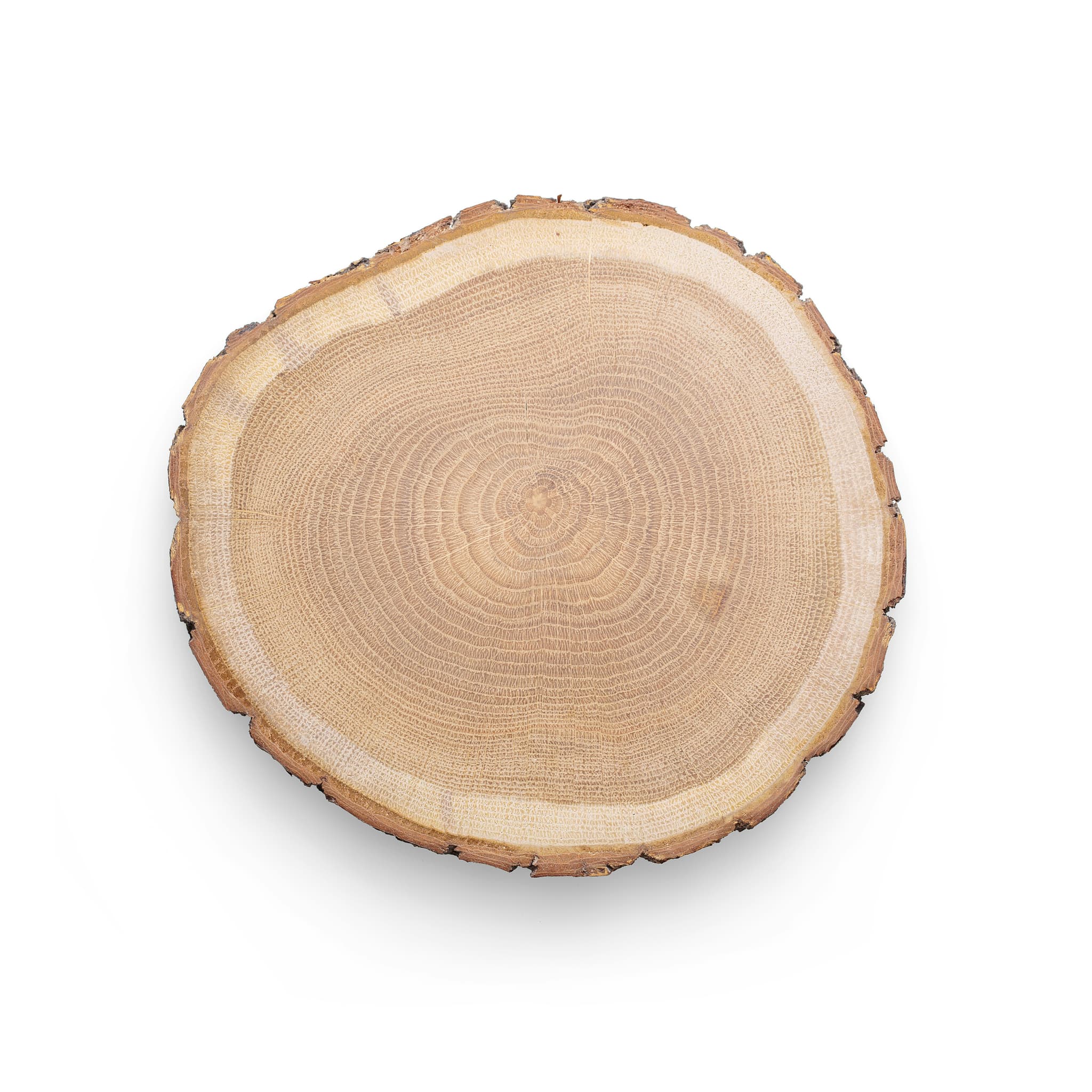
10 listing areasExample
- TitleWeakTitle: make the supported cheese and bread uses more specific
- DescriptionOK
- Bullet pointsWeakBullet points: none.
- ImagesWeakImages: one photo, no alt text.
- SEONeeds work
- AI search readinessNeeds work
- Convincing copyNeeds work
- Missing detailsNeeds work
- Price and stockNeeds work
- Claims and rulesOK
46 / 100 · Needs work
- Brief: Casual Entertainer and Food Host
Free
Each store gets one initial free Analyst scan for up to 500 products from a connected store, or 150 from a product file.
See your Analyst score a product
- 1
Your Analyst analyzes this product listing across 10 areas.
- 2
Title: already names the wood serving board; the example suggests making its cheese and bread use clearer
- 3
Description: says what it's for and how to care for it.
- 4
Bullet points: none.
- 5
Images: one photo, no alt text.
- 6
Three priority areas are highlighted, with a listing score of 46 out of 100: Needs work.
Example - 7
Use these priorities to choose what to improve next. Your Copywriter can draft clearer product copy.
Brand StrategistAnalyst
10 listing areasExample
- TitleWeakTitle: make the supported cheese and bread uses more specific
- DescriptionOK
- Bullet pointsWeakBullet points: none.
- ImagesWeakImages: one photo, no alt text.
- SEONeeds work
- AI search readinessNeeds work
- Convincing copyNeeds work
- Missing detailsNeeds work
- Price and stockNeeds work
- Claims and rulesOK
46 / 100 · Needs work
- Brief
Which product pages need work first?
A catalog can hide incomplete product pages. The Analyst checks the content and highlights the listings and details that need attention.
A score and three priorities for each listing you review
How your Analyst works
- What it uses
- Your catalog from a connected store, or a product file.
- What it analyzes
- Analyzes 10 listing areas and gives each scored product a score out of 100.
- Highlights three priorities for each scored listing so you can choose what to improve.
- Results
- Listing scores out of 100 and three priorities for each scored product.
The 10 areas in a product listing score
| Area | What it evaluates |
|---|---|
| Title | Names the product, a key attribute, and words shoppers search for. |
| Description | Answers what a buyer asks before buying. |
| Bullet points | Short facts a shopper can scan. |
| Images | How many photos, and whether each has alt text. |
| SEO | SEO title and meta description. |
| AEO: facts for shopping assistants | Answer engine optimization: checks whether product facts are clear enough for AI shopping assistants to use. |
| Convincing copy | Gives a reason to buy this product. |
| Missing details | Attributes a buyer expects for this product type. |
| Price and stock | Checks recorded price, currency and stock. |
| Claims and rules | Checks for configured prohibited phrases. |
What the score doesn't measure
- It scores the page, not your sales.
- The initial scan is a snapshot. You can request a rescore; it does not continuously monitor your store.
Where the Analyst's results go
Available to your Copywriter
Use the content priorities to choose what your Copywriter drafts.
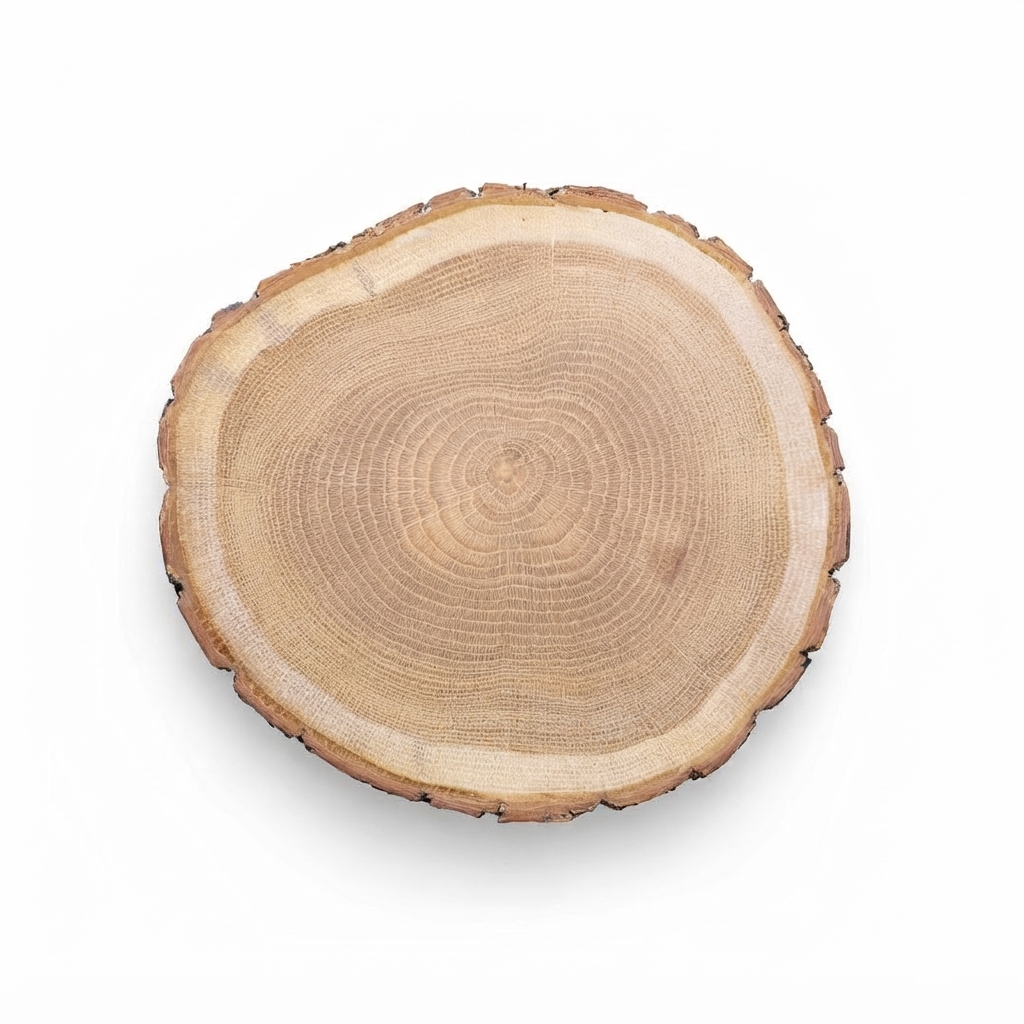
Round Wood Serving Board for Cheese and BreadAvailable to your Photographer
Use image findings to choose which products need new photos.
Before you score your catalog
What does the product listing score check?
Ten areas: title, description, bullet points, images, SEO, AI search readiness, convincing copy, missing details, price and stock, and configured prohibited phrases. Each scored product gets a score out of 100 and three priorities.
Does connecting my store change anything?
No. Scoring only reads your products.
Is the score really free?
Yes. Each store gets one initial free scan for up to 500 connected products or 150 from a product file.
Why is my images score low when my photos look good?
The images check counts how many photos a product has and whether each one has alt text. It doesn't judge how the photos look.
Do I need to connect a store?
No. Upload a product file and the Analyst scores up to 150 products, free.
Which stores does it work with?
Connected stores, including Mercado Libre and Tiendanube, are scored the same way.
What happens after the score?
Use the three priorities to decide what to improve. You can choose a Copywriter or Photographer pass, or Team, for the products you enable. Review the drafts before publishing.
Does a high score mean more sales?
The score evaluates listing content rather than sales performance. A higher score does not guarantee better commercial results.