Your Social Manager: Facebook and Instagram posts drafted from your products
Drafts social content in your brand voice
Pick Facebook, Instagram or both, and how many posts a week. Each product gets a caption and photo to edit or approve.
Captions and images are drafts for you to review and use on your channels.
Rated 4.9 out of 5 from 126 reviews on the Shopify App Store, as of 2026-10-14
 InstagramDraftBring cheese and bread to the table. This round wood serving board keeps it simple.
 InstagramDraftEach board is a little different. Serve cheese and bread on natural wood, then hand wash after use.
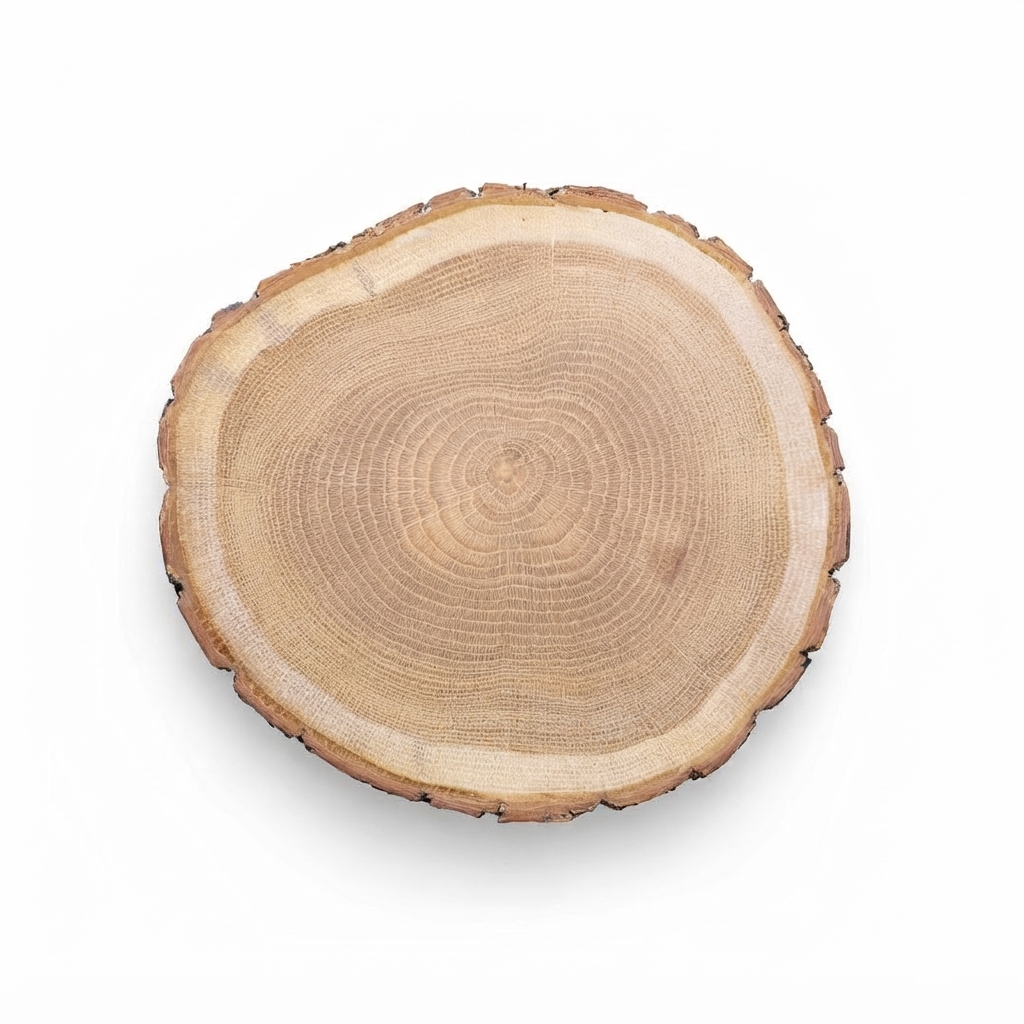 FacebookDraftA round natural wood board for cheese and bread. Each one is a little different. Hand wash only.
One-time 1-week pass from $1.40 for up to 20 products
| Products | Per pass |
|---|---|
| Up to 20 | $1.40 |
| Up to 100 | $7 |
| Up to 500 | $35 |
| Up to 1,500 | $105 |
| Up to 3,000 | $210 |
| Up to 5,000 | $350 |
They work for 7 days. You have 30 days to approve.
Or the whole team from $12/mo
See all pricesSee your Social Manager draft a product post
- 1
Start with a product from your catalog and the product information already in Dondo.
- 2
A story frame for Instagram.
- 3
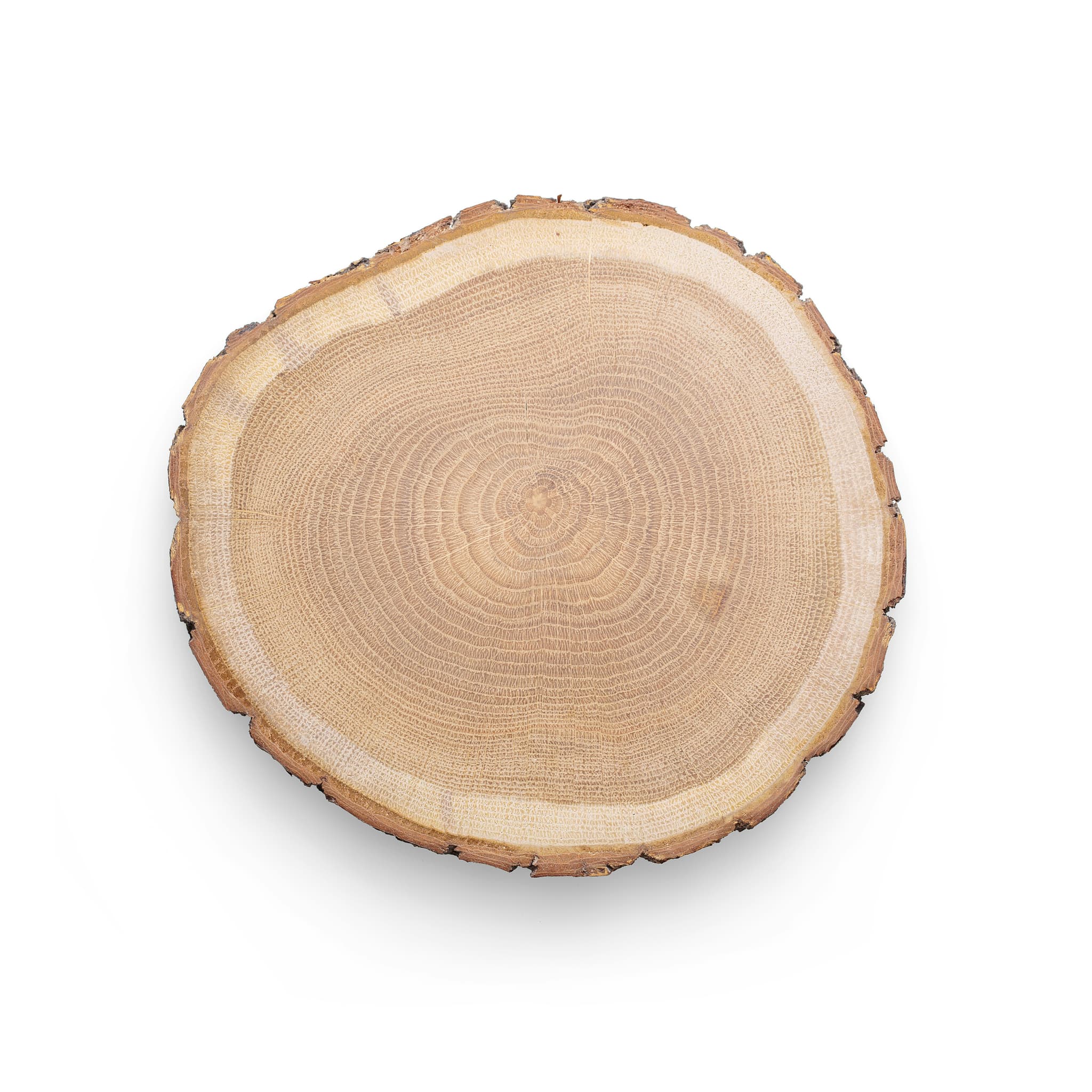
Pairs the draft with an available product photo or a Photographer image you have reviewed.
- 4
The caption, written from the brief:
“Bring cheese and bread to the table. This round wood serving board keeps it simple.”
Example - 5
A link to the product:
Round Wood Serving Board for Cheese and Bread
- 6
Placed on Thursday in this example draft calendar.
- 7
The draft stays on your calendar and approval list, ready to edit and review.
PhotographerSocial Manager
 Draft · not posted
Bring cheese and bread to the table. This round wood serving board keeps it simple.
Round Wood Serving Board for Cheese and BreadExampleDrafts this week
- Mon
- Tue
- Wed
- Thu
- Fri
- Sat
- Sun
- 4 new photos
The post that never goes out
A new product deserves a post the week it launches. Between orders, stock and email it slips, and by the time there's a free hour it's old news.
Photos and captions drafted and organized on your calendar, ready for review
Drafts for the weeks ahead, from your catalog
- What it uses
- Your products, their photos and the brief.
- What it drafts
- Pick the networks and how many posts a week.
- Writes a caption for each product and pairs it with a photo.
- Lays the drafts on a calendar to edit or approve.
- Results
- Draft posts for the weeks ahead, on a calendar.
What the Social Manager drafts
- Facebook and Instagram only.
- It doesn't report likes, reach or followers.
You approve each post
What the Social Manager drafts from
Context from your Photographer
Can use reviewed product photos and Photographer images.
Context from your Brand Strategist
Captions use the words the store already uses.
Suggested buyersCasual Entertainer and Food HostWhat they need to decideClear details on dimensions, food-safe finishes, care instructions, and how much natural variation to expect in grain or shape
Before you draft posts
Which platforms does it draft posts for?
Facebook and Instagram only.
Do I need to connect Facebook or Instagram to try it?
You can create and review drafts without connecting Facebook or Instagram. Use approved captions and images on your own channels.
Where do the photos come from?
Use the product photos and generated images available in Dondo, including Photographer results you have reviewed.
Will the captions sound like my brand?
Yes. Captions use the words the store already uses.
Can I edit a draft before I use it?
Yes. Edit the caption and review the image, then approve the draft you want to use. Approval keeps it as a draft; you choose when and where to publish it on your channels.
Does it report likes, reach or followers?
No. It drafts posts for Facebook and Instagram, and it doesn’t report likes, reach or followers.
What does the Social Manager cost?
The score is free first. The Social Manager comes with ongoing work on the team from $12 a month, or as a one-time 1-week pass for one-off work from $1.40. Both are priced by how many products your account covers, in fixed steps. A pass works for 7 days, and you have 30 days to approve.