Listings, photos and posts for what WooCommerce buyers wonder.
Improve product descriptions and SEO fields for WooCommerce from the facts in your catalog. Dondo suggests likely buyers and their questions, then uses that brief and your brand voice for copy, photos and social drafts.
Free score. Nothing in your store changes until you approve it.
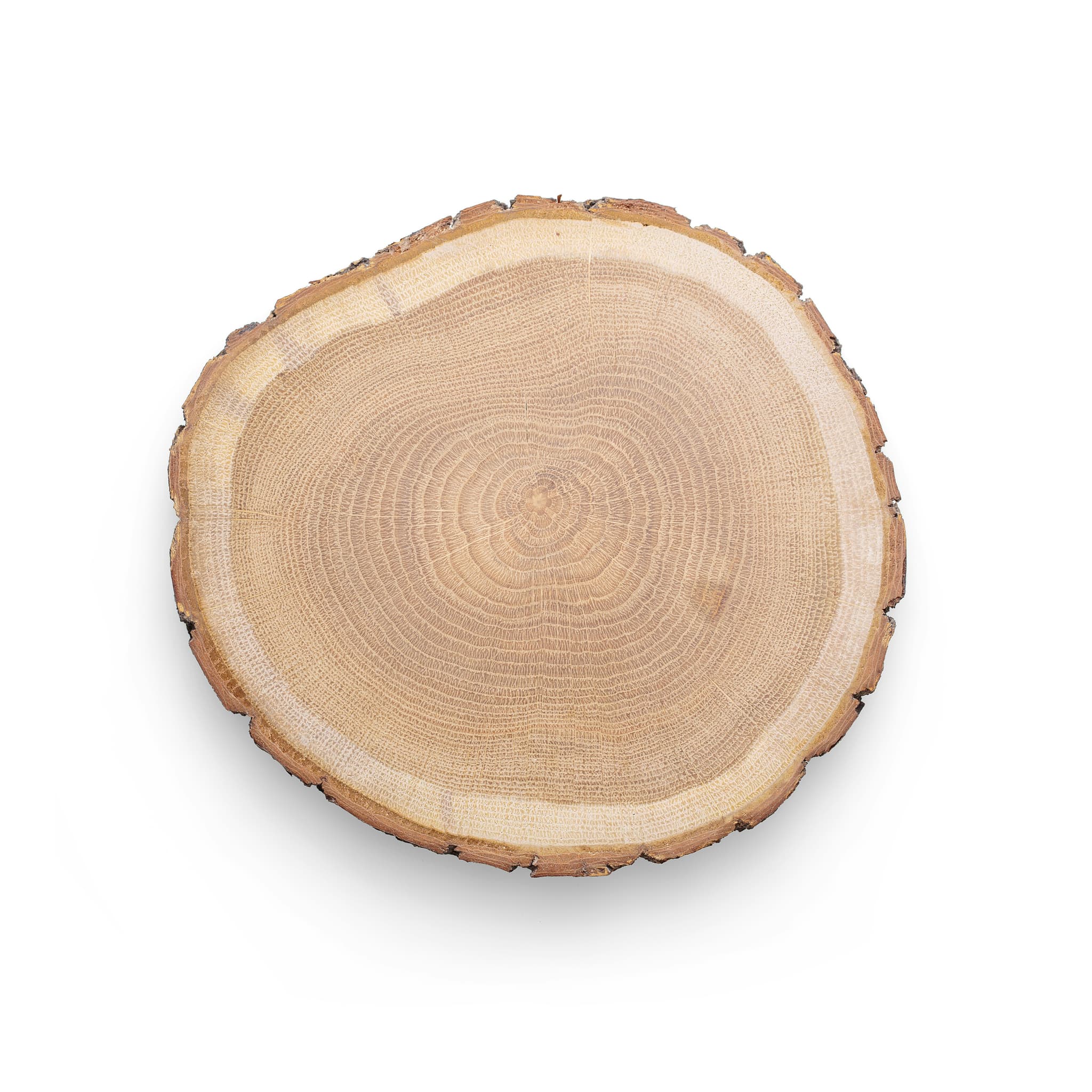

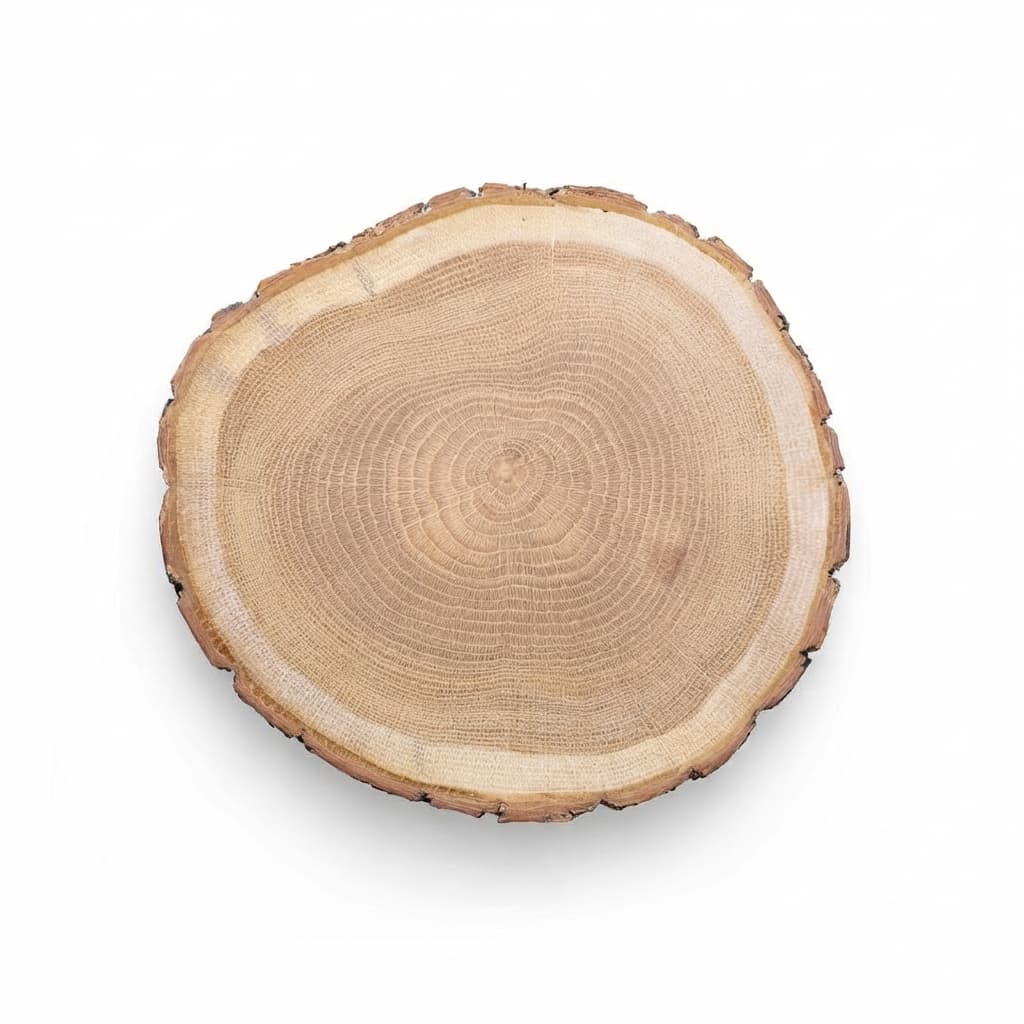


Suggested buyer: Casual Entertainer and Food Host. Possible questions: exact size, wood type, natural variation, hand-wash care.
- Round natural wood slice
- For cheese and bread
- Each board is a little different
What Dondo does on WooCommerce
Review and approve your drafts. When you choose to publish, Dondo publishes to your WooCommerce store.
You connect with a REST API key you create in WooCommerce: a consumer key and secret.
What you'll need
- A WooCommerce seller account.
- Permission to create a REST API key in WooCommerce.
- Your products already listed there.
- New to selling online? Start with one initial free Analyst scan per store. Team plan from $12/mo for up to 20 products.
Who works on your WooCommerce store
Every expert works from one brief: who buys, and how your brand sounds and looks.
- Copywriter
Rewrites titles, descriptions and bullets from what shoppers search.
- Photographer
Turns your product photo into studio and lifestyle shots.
- Social Manager
Drafts Facebook and Instagram posts for your approval.
Paying for the team on WooCommerce
Free
The buyer brief stays free. Each store gets one initial free Analyst scan of up to 500 products.
Paid
The Team plan and nonrenewing one-time 1-week passes are priced by the plan that covers the products across your account.
2,300 products fit the plan for up to 3,000 products.
How to write WooCommerce product descriptions
WooCommerce separates a short description from the long one, and each does different work.
Use the short description as the pitch
In most themes it sits next to the price, so it should say what the product is and why it fits in two or three sentences. Shoppers decide here whether to keep scrolling.
Use the long description for the details
Put specifications, sizing, materials, care and delivery details under the description tab. Group them with short headings and lists, and keep the facts consistent with the attributes you set.
Fill the SEO title and meta description
WooCommerce takes them from an SEO plugin or the theme. Keep the title near 60 characters and the meta description near 155, and write each product’s own instead of repeating one across the catalog.
Set attributes and categories
Product attributes and categories drive filters and archive pages, so a missing one can hide a product. Use the same words in the attributes and in the description.
Questions about Dondo on WooCommerce
What does Dondo do for my WooCommerce products?
The Analyst scores each product from 0 to 100 and lists the weakest first. The Copywriter rewrites titles, descriptions and bullet points with the words shoppers search. The Photographer and the Social manager prepare photos and posts from the same buyer brief.
Does anything change in WooCommerce before I approve it?
No. Review and approve drafts first, then publish the changes you choose. Approval and publication are separate steps. Review and approve your drafts. When you choose to publish, Dondo publishes to your WooCommerce store.
How do I connect WooCommerce?
You connect with a REST API key you create in WooCommerce: a consumer key and secret. In the WordPress admin, open WooCommerce, Settings, Advanced, REST API to add one. Dondo then imports the catalog and scores it free, up to 500 products.
What is the buyer brief?
A suggested buyer profile and questions to check against what you know about your customers. It is based on your product and store information, not a record of observed purchases. Every expert uses the same brief. The buyer brief stays free; each store gets one initial free Analyst scan of up to 500 products.
Can I try it without connecting WooCommerce?
Yes. Upload a product file for the store’s initial free Analyst scan of up to 150 products. The initial scan of a connected store covers up to 500. It is one initial scan per store.
What does Dondo cost for WooCommerce?
Each store gets one initial free Analyst scan of up to 500 products. The Team plan starts at $12 a month for up to 20 products. A nonrenewing one-time 1-week pass hires one expert, priced by the plan that covers the products across your account. Both work and approval windows start at verified paid activation. See what each expert costs