Listings, photos and posts that answer what your Shopify buyers wonder.
Improve product descriptions and SEO fields for Shopify from the facts in your catalog. Dondo suggests likely buyers and their questions, then uses that brief and your brand voice for copy, photos and social drafts.
Rated 4.9 out of 5 from 126 reviews on the Shopify App Store, as of 2026-10-14
Free score. Nothing in your store changes until you approve it.
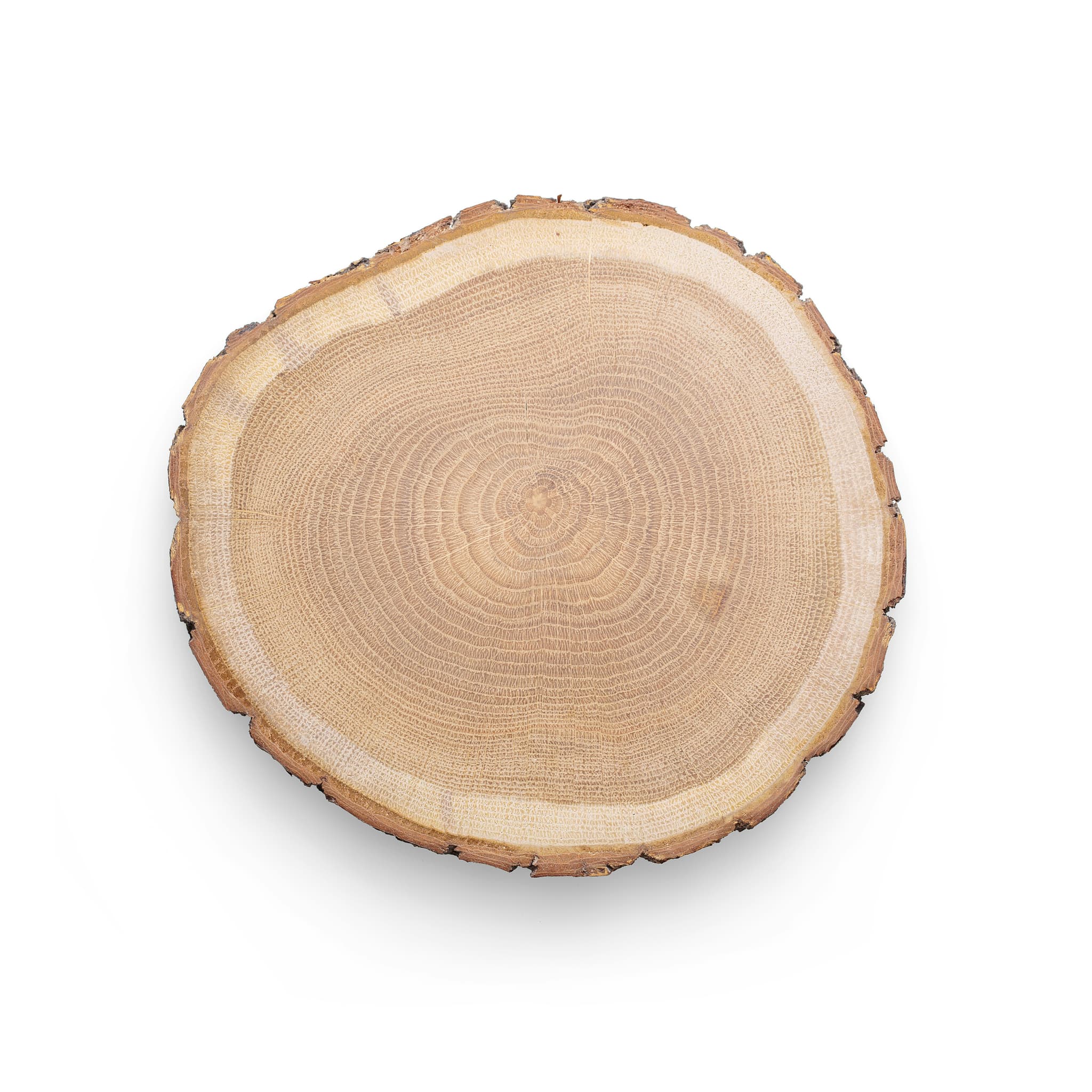

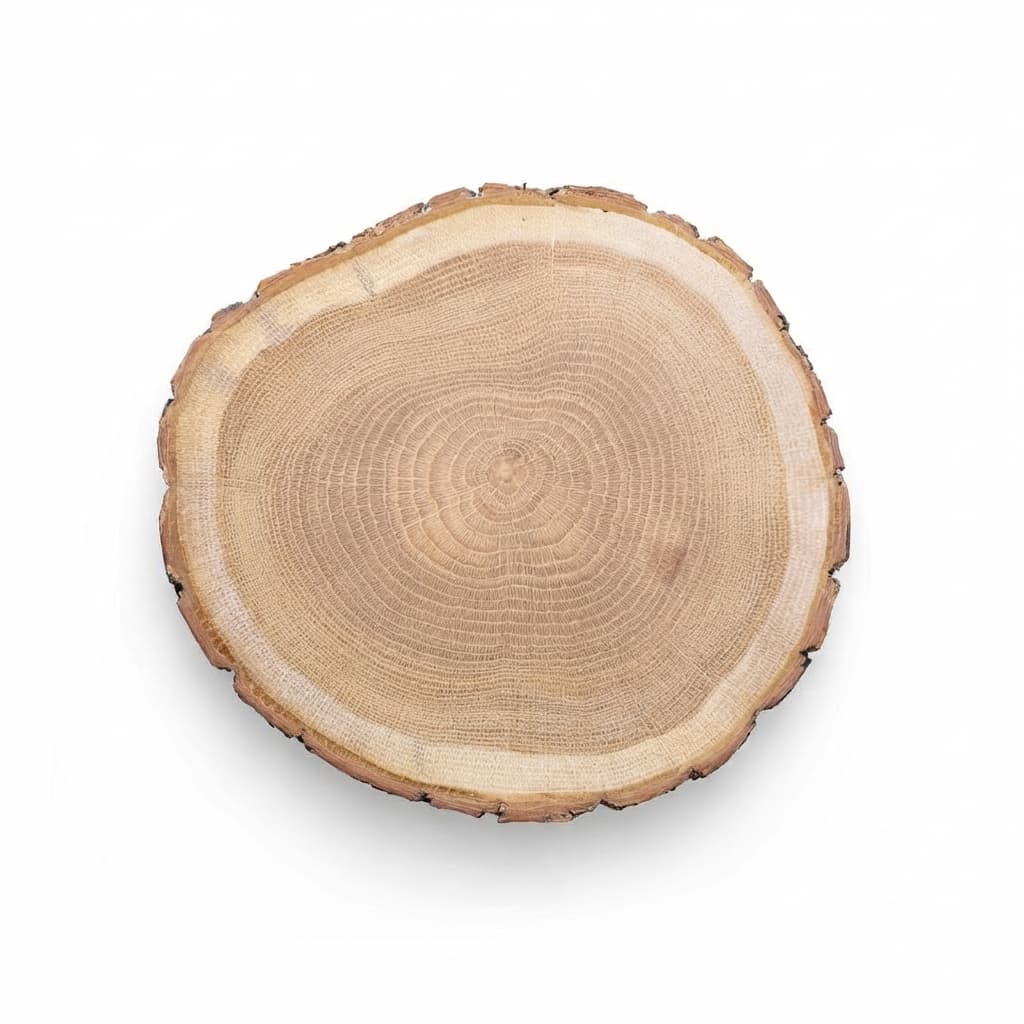


Suggested buyer: Casual Entertainer and Food Host. Possible questions: exact size, wood type, natural variation, hand-wash care.
- Round natural wood slice
- For cheese and bread
- Each board is a little different
What Dondo does on Shopify
Review and approve your drafts. When you choose to publish, Dondo publishes to your Shopify store.
You connect by signing in to Shopify and approving access.
What you'll need
- A Shopify seller account.
- Permission to approve Dondo's access in Shopify.
- Your products already listed there.
- New to selling online? Start with one initial free Analyst scan per store. Team plan from $12/mo for up to 20 products.
Who works on your Shopify store
Every expert works from one brief: who buys, and how your brand sounds and looks.
- Copywriter
Rewrites titles, descriptions and bullets from what shoppers search.
- Photographer
Turns your product photo into studio and lifestyle shots.
- Social Manager
Drafts Facebook and Instagram posts for your approval.
Paying for the team on Shopify
Free
The buyer brief stays free. Each store gets one initial free Analyst scan of up to 500 products.
Paid
The Team plan and nonrenewing one-time 1-week passes are priced by the plan that covers the products across your account.
2,300 products fit the plan for up to 3,000 products.
How to write Shopify product descriptions that sell
A good Shopify product page answers a buyer’s questions before they ask. These are the parts worth getting right, whether you write them yourself or review what the Copywriter drafts.
Start with the product title
Lead with what the product is, then the brand, material or size a shopper would type. Shopify uses the title as the page heading and as the default SEO title, so a vague title weakens both.
Write the description around buyer doubts
Open with what the product does for the buyer, then give specifics: materials, dimensions, care, what is in the box. Short paragraphs and a list of details read better on a phone than one block of text. Shopify has no bullet field, so a list goes inside the description.
Fill the SEO title and meta description
Write a descriptive SEO title and a short meta description that explains the product. Around 60 and 155 characters are useful writing targets, not display guarantees: Google can shorten or replace the text. Describe what each image shows in its alt text.
Review before anything goes live
Compare each draft with the original, check the product facts and approve the changes you want to keep. Publish the approved content when you are ready.
Questions about Dondo on Shopify
What does Dondo do for my Shopify products?
The Analyst scores each product from 0 to 100 and lists the weakest first. The Copywriter rewrites titles, descriptions and bullet points with the words shoppers search. The Photographer and the Social manager prepare photos and posts from the same buyer brief.
Does anything change in Shopify before I approve it?
No. Review and approve drafts first, then publish the changes you choose. Approval and publication are separate steps. Review and approve your drafts. When you choose to publish, Dondo publishes to your Shopify store.
How do I connect Shopify?
You connect by signing in to Shopify and approving access. Dondo then imports the catalog and scores it free, up to 500 products.
Which Shopify fields does Dondo change?
Titles, descriptions, SEO fields and photos on the products you approve. Bullet points go into the description, because Shopify has no bullet field. Metafields are not on that list.
Will Dondo change my Shopify theme?
No. Shopify asks you to let Dondo edit products, and products are what it changes. Theme files and store design are not part of it.
Can I review many Shopify products at once?
Yes. The bulk review takes batches of up to 20 products, and each row says what will happen when you approve. The Analyst puts the weakest products first, so the team starts where it matters most. See bulk optimization
Does Dondo touch prices, stock or orders?
No. Prices, stock and orders are never changed. Only the product content you approve is.
What does Dondo cost for Shopify?
Each store gets one initial free Analyst scan of up to 500 products. The Team plan starts at $12 a month for up to 20 products. A nonrenewing one-time 1-week pass hires one expert, priced by the plan that covers the products across your account. Both work and approval windows start at verified paid activation. See what each expert costs