Your Photographer: AI product photography in your brand’s style
Creates photos using your brand context and optional style instructions
Create studio, ad, lifestyle and social photos from a product image. Use your brand context or add optional style instructions, then review each result.
Start from a product photo. Check each generated image before you use it.
Rated 4.9 out of 5 from 126 reviews on the Shopify App Store, as of 2026-10-14
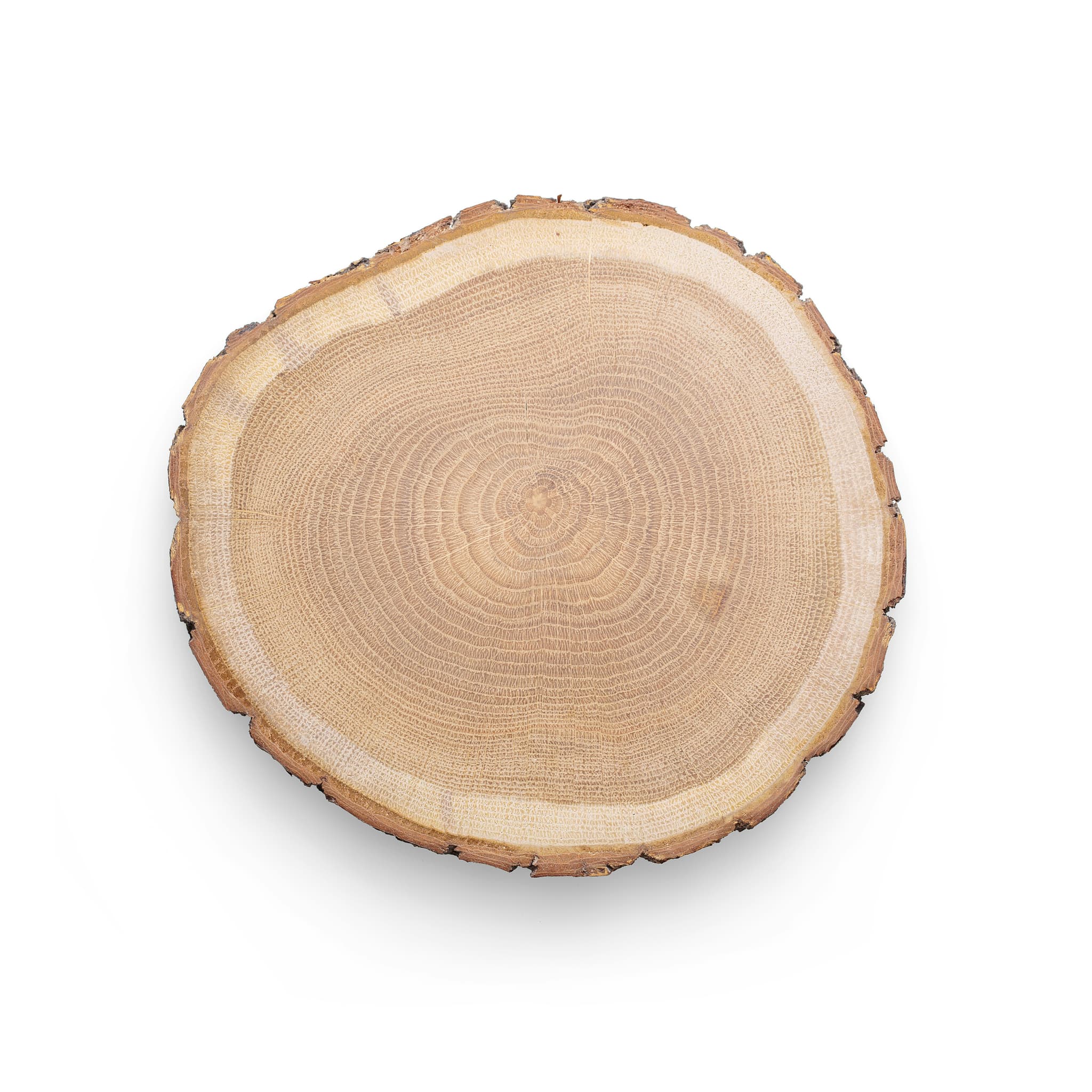 Listing photo
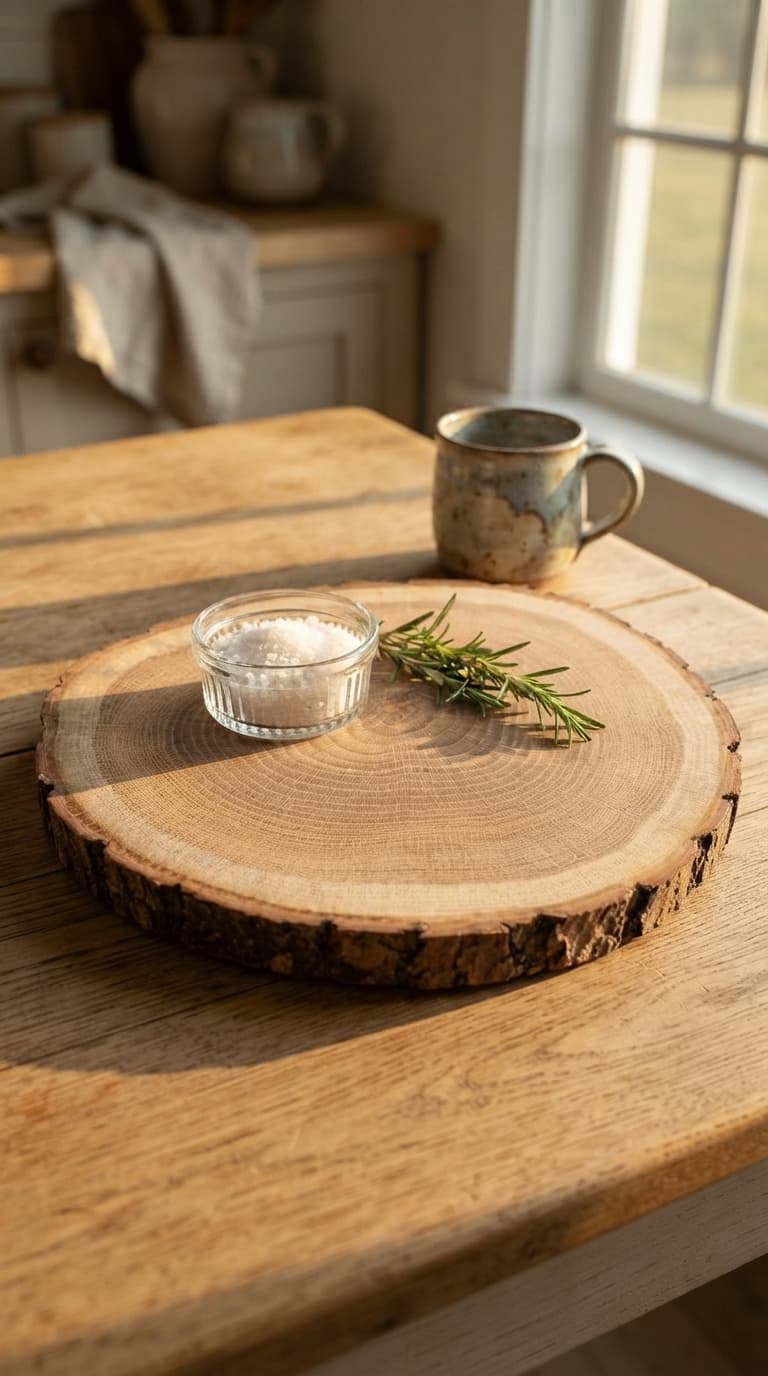 The Photographer's shot
One-time 1-week pass from $6 for up to 20 products
Priced by enabled products, not by individual images.
| Products | Per pass |
|---|---|
| Up to 20 | $6 |
| Up to 100 | $30 |
| Up to 500 | $150 |
| Up to 1,500 | $450 |
| Up to 3,000 | $900 |
| Up to 5,000 | $1,500 |
They work for 7 days. You have 30 days to approve.
Or the whole team from $12/mo
See all pricesFour photo styles from your product image
- 1
Start from the original product photo: a wood slice with a white background.
- 2
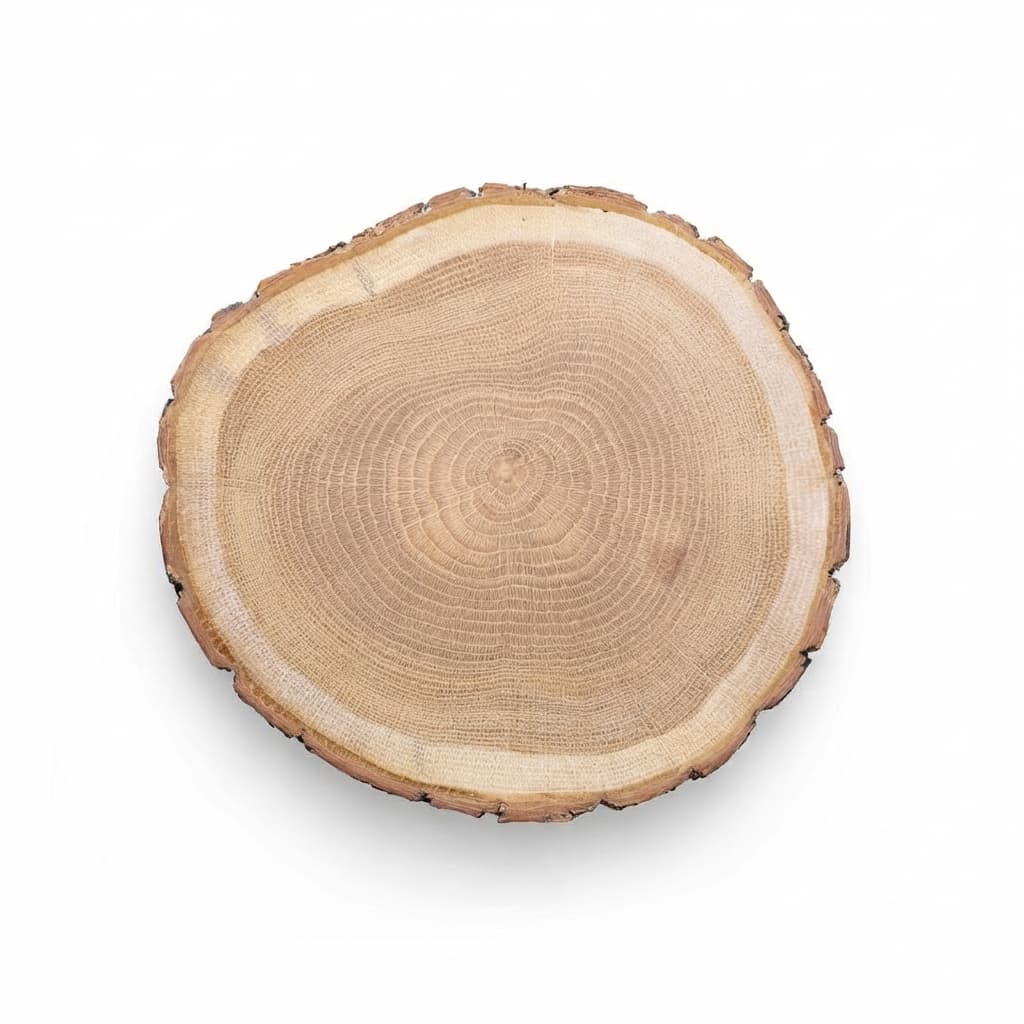
Studio photo: the same board with a white background, lit for the store.
- 3
Ad photo: the board on a farmhouse table with salt and rosemary, in late light.
- 4
Lifestyle photo: set under a coffee mug, with a croissant.
- 5
Social photo: a cup and saucer on the board, square for a feed.
- 6
Four photos, sized for store, feed and stories.
- 7
Review the photos, then choose where to use them: listings, ads or social content.
CopywriterPhotographer
New photos
- Studio photo · 1:1
- Ad photo · 9:16
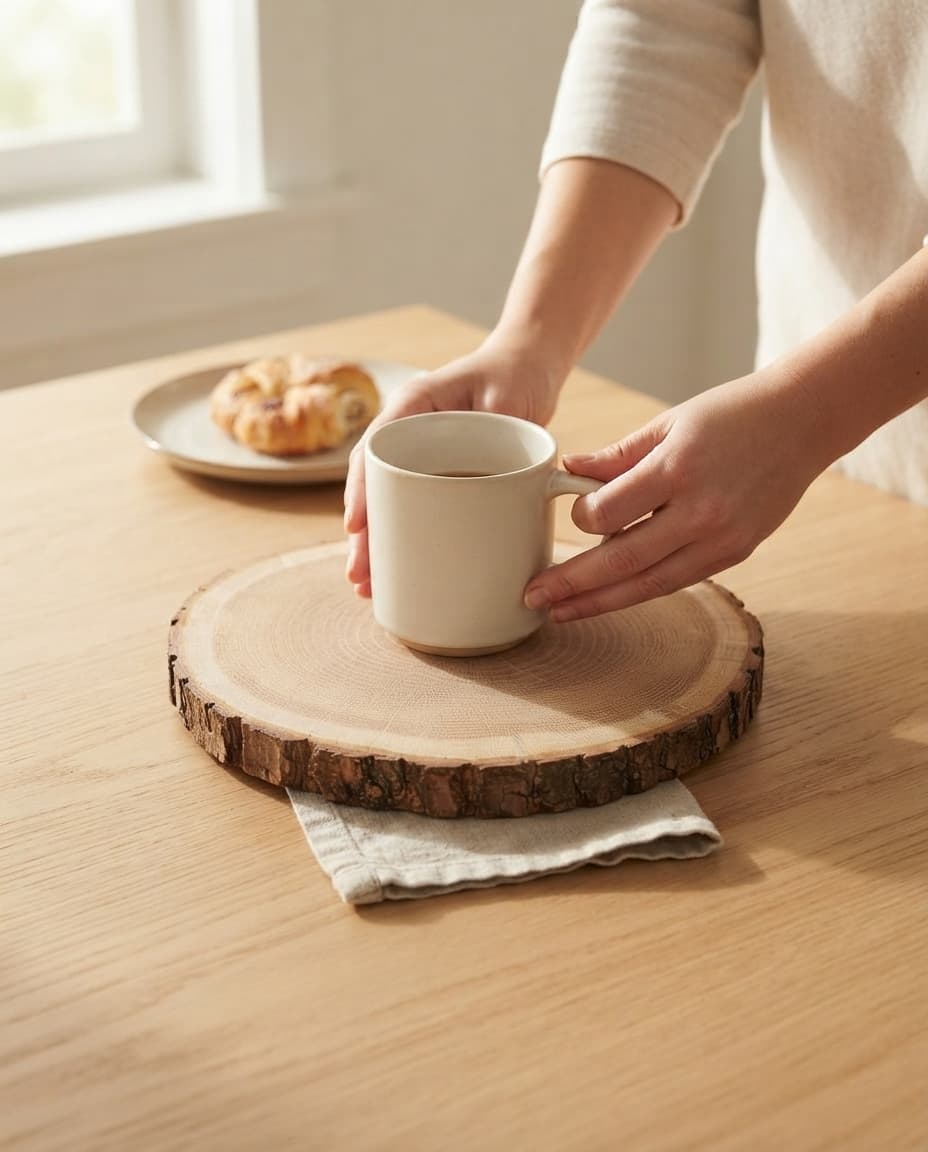 Lifestyle photo · 4:5 · set under a mug
 Social photo · 1:1
- Rewrite
More ways to present the product photo you already have
The original board photo shows the product with a white background. These generated examples explore lighting, backgrounds and settings for listings, ads and social content. Compare every image with the real product before using it.
New studio, ad, lifestyle and social photos from your product image
From your product photo to a photo for each channel
- What it uses
- A product photo already in Dondo, your brand context and optional style instructions.
- What it creates
- Starts from the photo already on the listing.
- Creates studio, ad, lifestyle or social photos.
- Creates 1–4 variations per product, up to 20 images per batch.
- Results
- Generated photos to review and use for listings, ads or social content.
- Lifestyle photos
- Studio photos
- Ad photos
- Social photos
Choose a photo style. You can add optional style instructions, such as a warm grey background, for the batch.
What to check before you publish a photo
- Check each photo matches your product before you use it.
You choose which photos go live
Who the Photographer works with
Context from your Brand Strategist
Uses your brand context and optional style instructions.
Suggested buyersCasual Entertainer and Food HostWhat they need to decideClear details on dimensions, food-safe finishes, care instructions, and how much natural variation to expect in grain or shapeAvailable to your Social Manager
You can use approved photos in social drafts.
DraftBring cheese and bread to the table. This round wood serving board keeps it simple.
Before you make your first photo
What photo do I need to start?
The product photo already on your listing. Without a photo of the product, there is nothing to start from.
What kinds of photos does it make?
Lifestyle, studio, ad and social photos, sized for where each one will run.
How many photos can I make at once?
Choose 1–4 variations per product, with up to 20 images in one batch.
Should I check the photos before I publish?
Yes. Check that each photo matches your product before you use it, and choose which photos go live.
Will the photos look like my store?
Your Photographer uses available brand context and optional style instructions. Review each image for product accuracy and the style you want.
Where does it publish?
Publishes to Shopify, WooCommerce, Tiendanube, Square and PrestaShop after approval, and updates existing listings on Mercado Libre and Amazon. VTEX and product-file stores receive an export. BigCommerce connection, catalog import and the initial free score are in beta. Register interest while compatibility is verified. BigCommerce file export is in beta; Dondo does not publish directly to BigCommerce.
Does it work for Amazon listings?
Yes, on listings already in Amazon’s catalog: the photos you approve replace the listing’s photos.
What does the Photographer cost?
The score is free first. The Photographer comes with ongoing work on the team plan from $12 a month, or as a one-time 1-week pass for one-off work from $6. Both are priced by the plan that covers the products across your account. A pass works for 7 days, and you have 30 days to approve.