Listings, photos and posts that answer what your buyers wonder, for any store.
Product descriptions and SEO for any store, from a product file. The Analyst scores up to 150 products free, and a file in the same layout comes back.
Free score. Nothing in your store changes until you approve it.
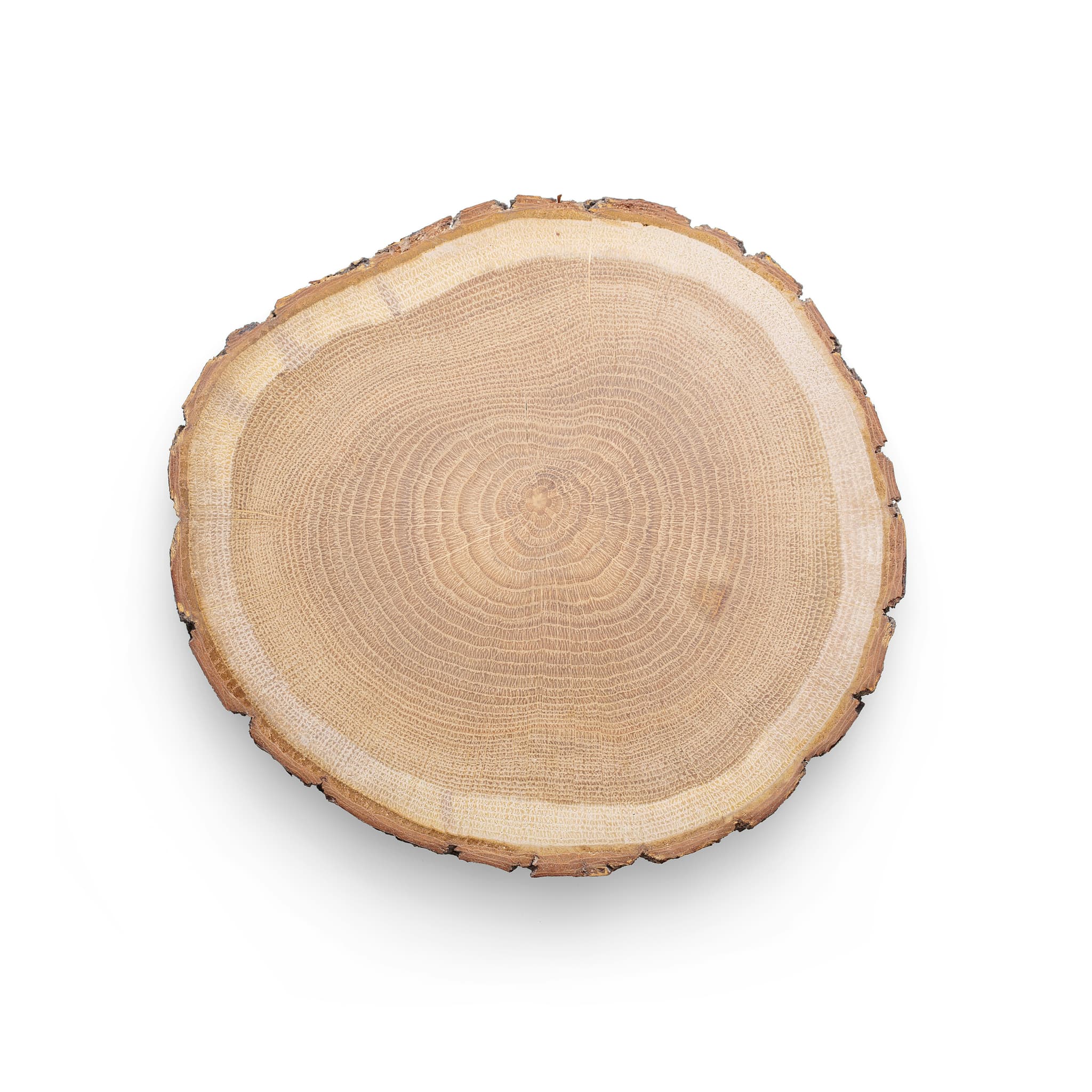

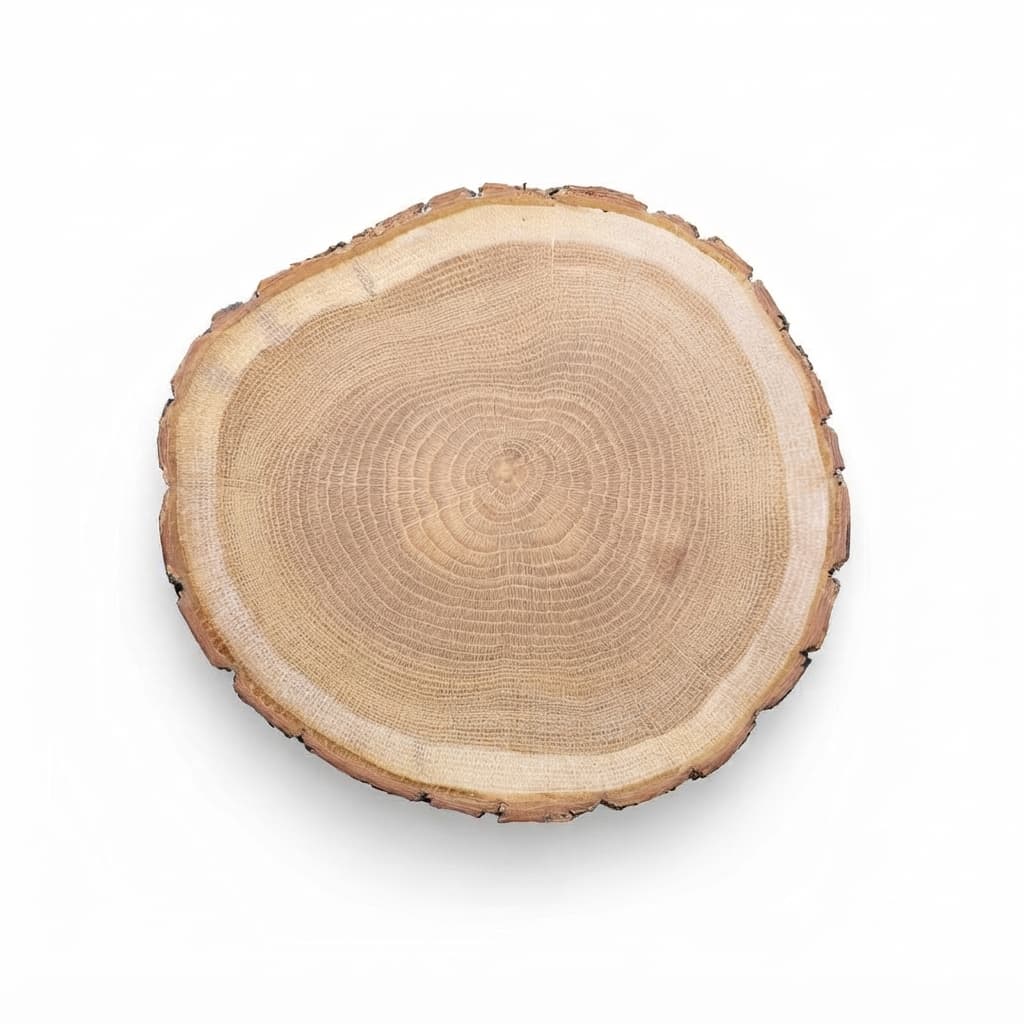
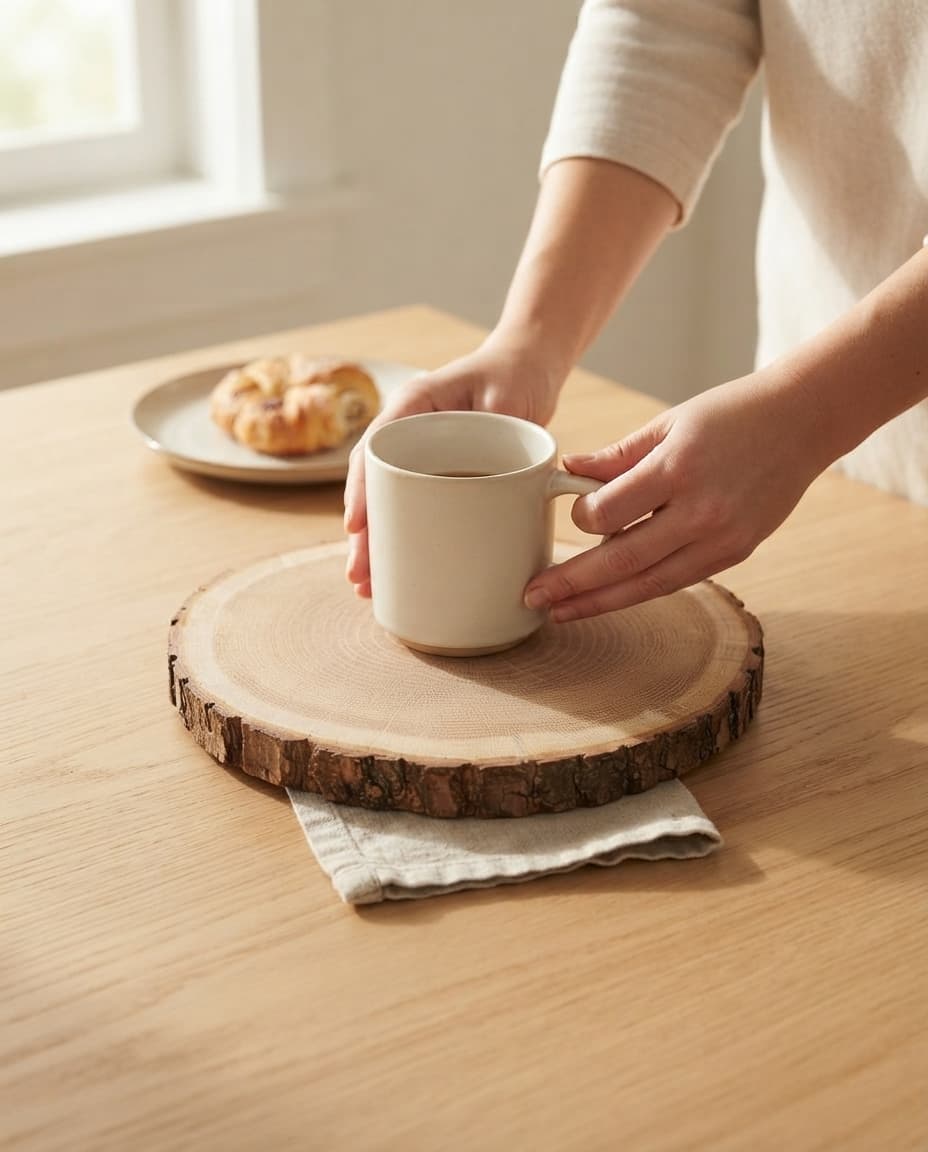

Suggested buyer: Casual Entertainer and Food Host. Possible questions: exact size, wood type, natural variation, hand-wash care.
- Round natural wood slice
- For cheese and bread
- Each board is a little different
What the team does with a product file
Dondo reads your product file and sends back a file in the same layout. Nothing connects to the store, so you import the result yourself.
You start by uploading a product file: a CSV with columns such as title, description, price and image links.
Who works on your products
Every expert works from one brief: who buys, and how your brand sounds and looks.
- Copywriter
Rewrites titles, descriptions and bullets from what shoppers search.
- Photographer
Turns your product photo into studio and lifestyle shots.
- Social Manager
Drafts Facebook and Instagram posts for your approval.
Score any store from its web address
No file at hand? Paste a store's web address into the free catalog audit and Dondo scores a sample of its products.
Score a store freeWhat the team costs
Free
The buyer brief stays free. Each store gets one initial free Analyst scan of up to 150 products.
The initial free scan covers up to 150 products from a file, or 500 from a connected store, once per store.
Paid
The Team plan and nonrenewing one-time 1-week passes are priced by the plan that covers the products across your account.
2,300 products fit the plan for up to 3,000 products.
How to prepare a product file for scoring
Any store that can export its products can be scored. A clean file gets a more useful score and a file back that imports without surprises.
Export one row per product
Include one row for each product, with variants in their own rows if the store exports them that way. Keep the column names the platform gave them.
Keep the columns that matter
Title, description, price and image links are the ones to keep. Add any category, brand or attribute columns the export offers, because the Analyst checks for the attributes a buyer expects.
Keep the layout when you import
The file that comes back has the same layout as the one you uploaded, so you can import it the way the platform expects.
Or score from a web address
No file at hand? The free catalog audit scores a sample of products from a store’s web address.
Questions about scoring a product file
What does Dondo do with a product file?
The Analyst scores each product from 0 to 100 and lists the weakest first. The Copywriter rewrites titles, descriptions and bullet points with the words shoppers search, and the file comes back with the changes you approve.
Does anything change in Any other store before I approve it?
No. Nothing changes until you approve. Dondo reads your product file and sends back a file in the same layout. Nothing connects to the store, so you import the result yourself.
How do I start with a product file?
You start by uploading a product file: a CSV with columns such as title, description, price and image links. The Analyst scores up to 150 products free.
What comes back?
A file in the same layout as the one you uploaded, with the changes you approve. Nothing connects to the store, so you import the result yourself.
Can I score a store without a file?
Yes. Paste a store’s web address into the free catalog audit and Dondo scores a sample of its products. Score a store free
What is the buyer brief?
A short read on who buys from the store and what makes them hesitate. Every expert works from that brief. The buyer brief stays free. Each store gets one initial free Analyst scan of up to 150 products.
What does Dondo cost for Any other store?
Each store gets one initial free Analyst scan of up to 150 products. The Team plan starts at $12 a month for up to 20 products. A nonrenewing one-time 1-week pass hires one expert, priced by the plan that covers the products across your account. Both work and approval windows start at verified paid activation. See what each expert costs