High-performing product images for better ad results
Learn why product images are crucial in ads and how to create visuals that capture attention, communicate value and drive more clicks and conversions.
 By Dondo6 min read
Why product images matter in ads and how to do them right
When you advertise your products online, your image is often the deciding factor that determines whether someone stops scrolling or ignores your ad altogether.
Since shoppers can’t see or touch the product in person, the image becomes the first impression. In one glance, a strong visual needs to capture attention, communicate your product’s value and differentiation, and motivate the click.
This is why ad images are one of the most important elements for driving conversions and sales. In this guide, you’ll learn why they matter and how to create visuals that consistently perform well across major advertising platforms.
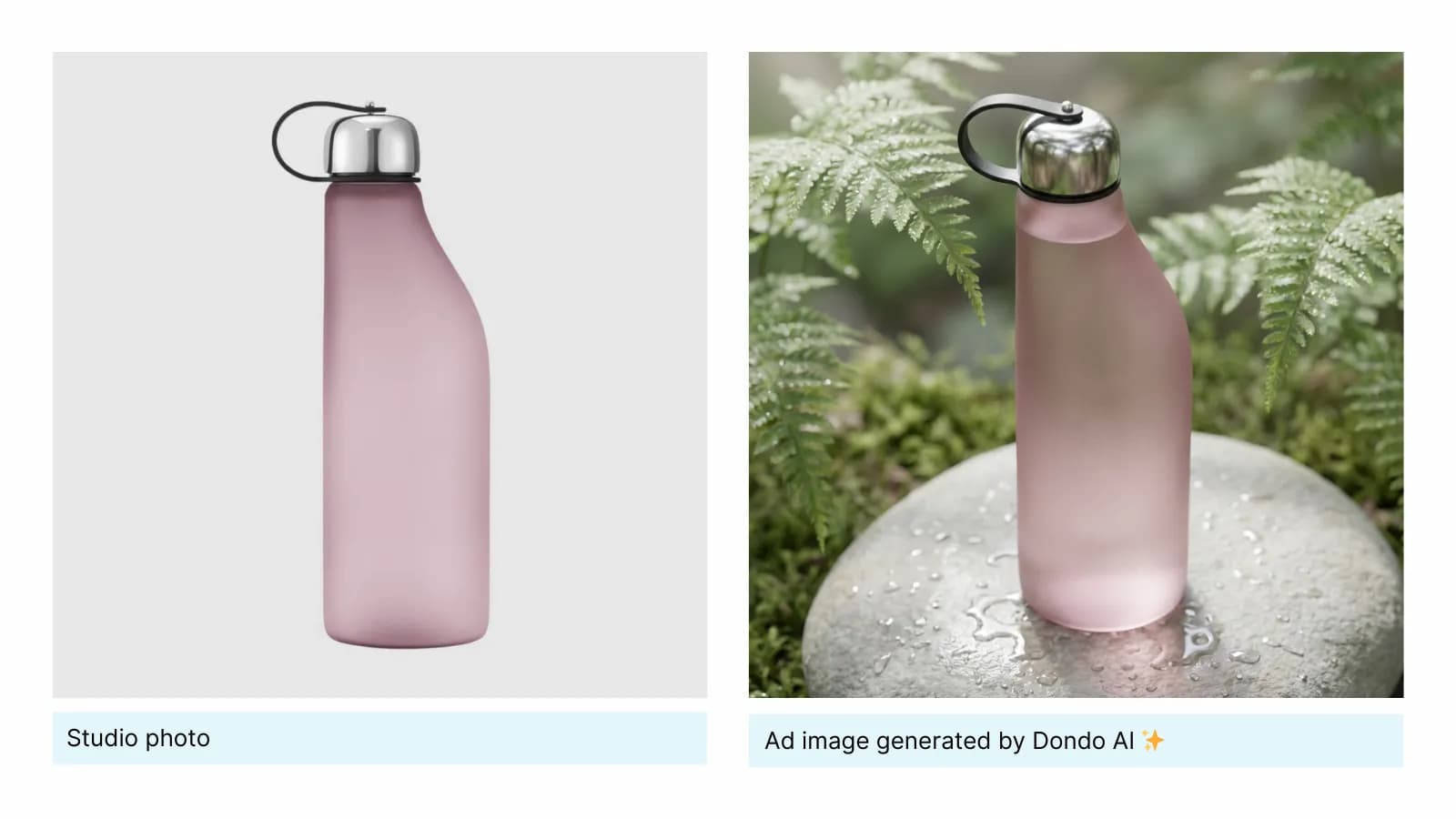
What makes a product image effective in ads
Great ad images don’t happen by accident. They work because they communicate the right message in the shortest amount of time. When someone is scrolling quickly, your image has a fraction of a second to earn their attention and convince them that your product is worth exploring.
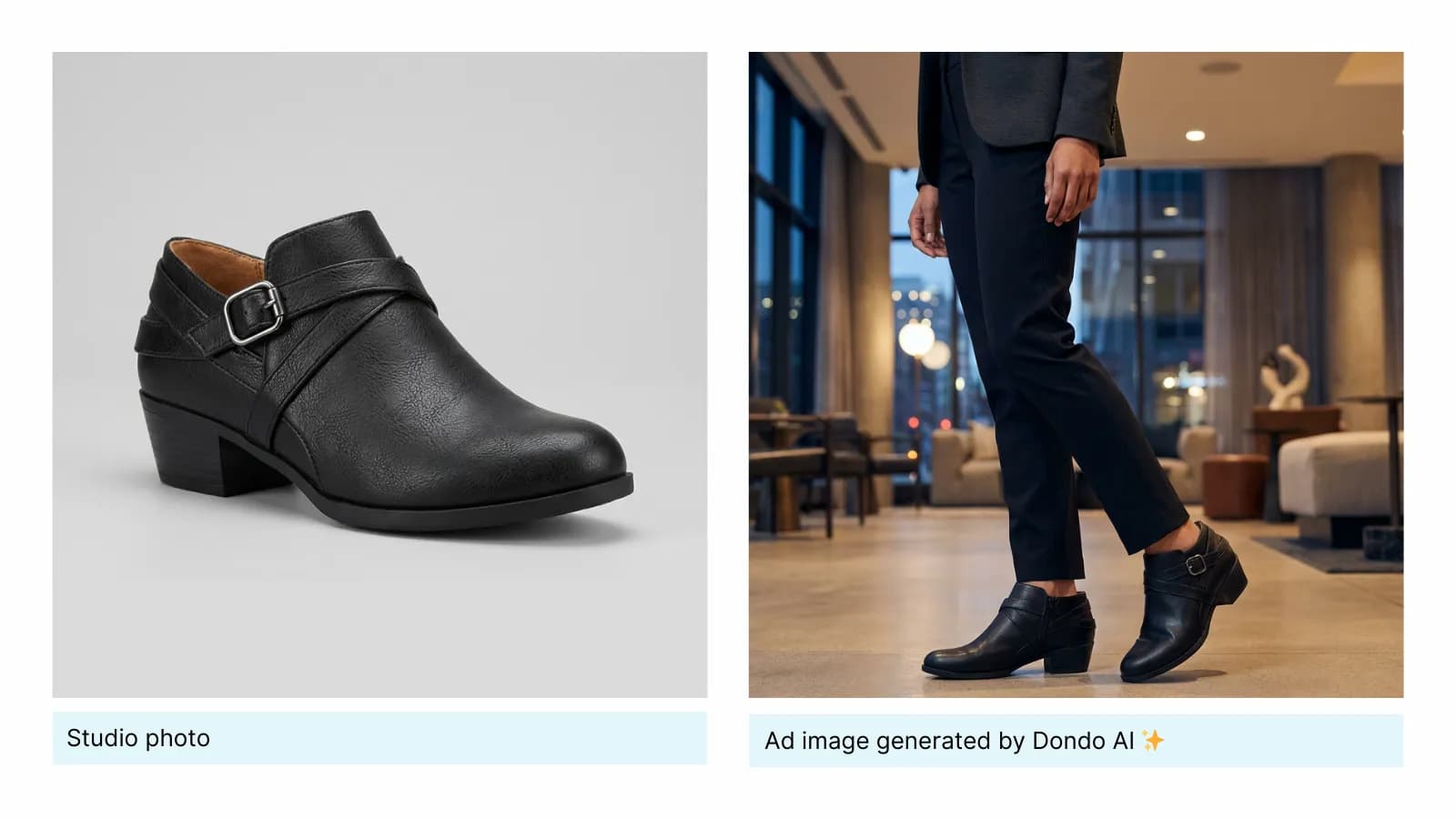
These are the key elements that make an ad image truly effective:
■ Immediate clarity
The viewer should understand what the product is within a second. If they have to guess, you lose the click. Clear visuals reduce friction and help the shopper connect with the product instantly.
■ Strong focus on the product
The product should be the hero of the image. This means sharp details, good lighting, clean composition and no distracting elements that take attention away from what you’re selling.
■ A clear value cue
Your image should hint at what makes your product worth buying. This can be a benefit, a feature, a use-case or even an emotion. A good image communicates value before the viewer reads a single word.
■ A relevant setting or context
Lifestyle images work because they show the product in real use. They help customers visualize ownership and better understand size, texture or function. Context increases credibility and reduces purchase hesitation.
■ Visual consistency with your brand
Color, mood and style should feel aligned with your brand identity. Consistency builds trust and creates recognition across multiple touch-points.
■ Thumb-stopping quality
Your image should stand out in a crowded feed. That doesn’t always mean loud colors. It means intentional composition, a clean look and content that feels different from everything around it.
The Copywriter can do this for your store.
Rewrites titles, descriptions and bullets from what shoppers search.
Score my products freeBest practices for creating ad images
Once you understand what makes an image effective, the next step is knowing how to create visuals that consistently perform well across different ad platforms. These best practices will help you make images that not only look good but also drive clicks and conversions.
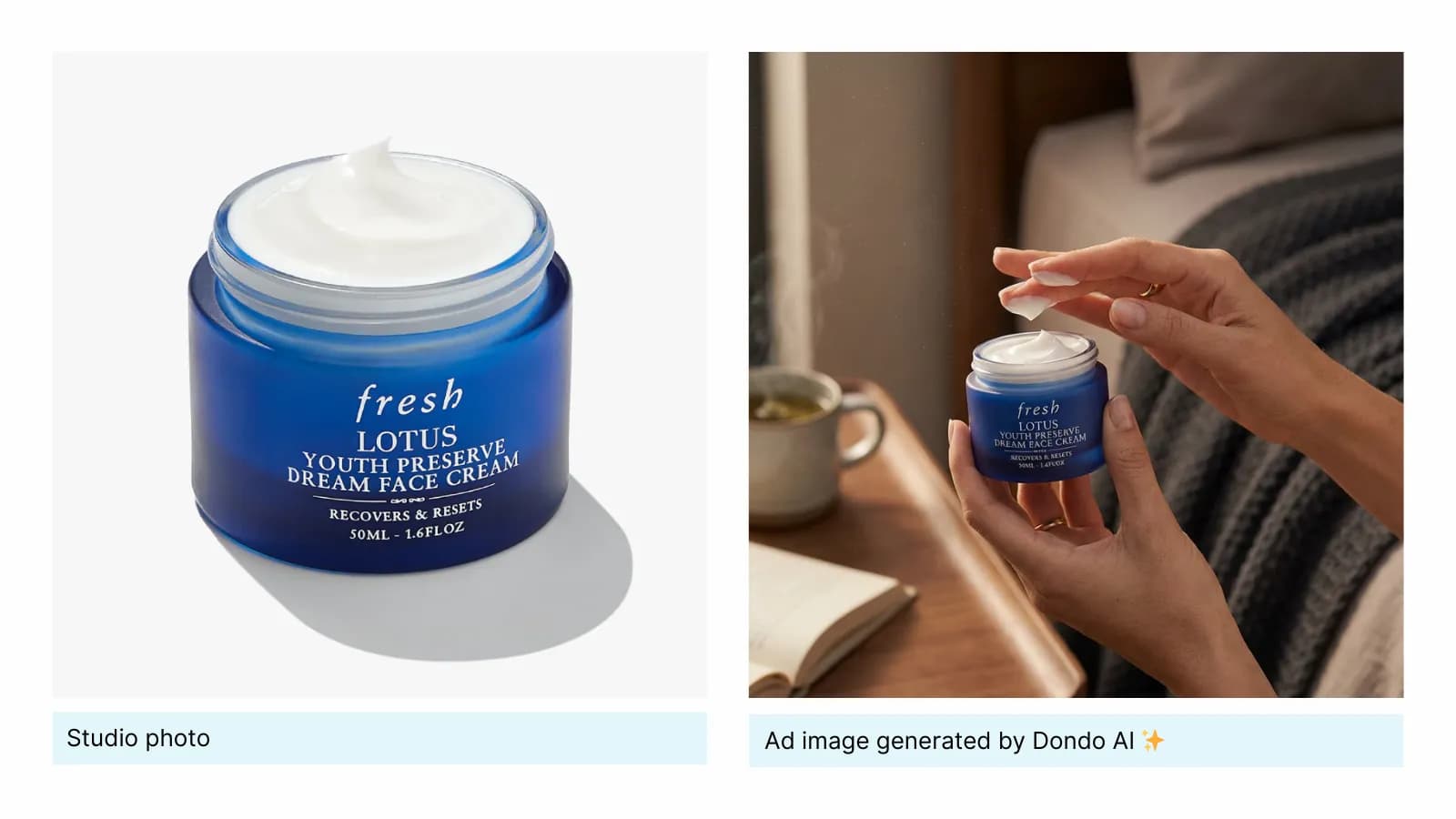
- Use clean, focused compositions
Remove anything that doesn’t serve the product. Keep the background simple, use minimal props and make sure the product is the largest and sharpest element in the frame. If you're unsure, zoom in slightly and simplify. - Show the product in context
Photograph the product being used in a natural setting. Show someone holding it, wearing it or interacting with it. This helps shoppers imagine themselves using the product and reduces uncertainty about size, use or fit. - Highlight the key value visually
Before shooting or creating images, ask: “What is the main benefit I must communicate?” Then make it visible.
If the item is waterproof, show water. If it’s compact, show it in a bag or pocket. If it’s comfortable, show relaxed and natural poses. - Use lighting that enhances the product
Good lighting is one of the biggest contributors to perceived quality. Use natural daylight near a window or soft studio lighting. Avoid harsh shadows and bright reflections that hide details or distort colors. - Maintain visual consistency across your ads
Choose a style and stick to it. Use similar lighting, similar color tones and a consistent level of contrast or saturation. This builds recognition and makes your ads feel trustworthy and professional. - Design for small screens first
Check your image on a mobile device before publishing. Make sure the product is easy to see, details are sharp and nothing important becomes unreadable or too small. If you need text, use very few words and keep it large enough to read at a glance. - Test multiple versions of the same concept
Create at least three variations of every ad image. Change the angle, crop, background or context. Run them with the same audience and let performance data identify your winner. Small tweaks often produce big differences in results. - Avoid overly edited or unrealistic visuals
Enhance brightness, clarity and color if needed, but avoid filters or edits that make the product look different from what the customer will receive. Accuracy builds trust and reduces returns. - Add minimal text only when the platform allows it
If the platform supports text overlays, keep the message short and make sure the letters never compete with the product. Use text only to reinforce the primary value or differentiator, not to explain everything.
🖼️ Great ad images come from intentional decisions, not guesswork. When you follow these practices step by step, your visuals become clearer, stronger and far more effective at driving clicks and conversions.
How to create high-performing ad images with Dondo
Creating strong ad images takes time, creative direction and a lot of testing, but with Dondo you can generate them in seconds.
Dondo AI applies all the best practices for ad images and everything it knows about your products, your customers, and your brand to generate images tailored to be effective with your audience.
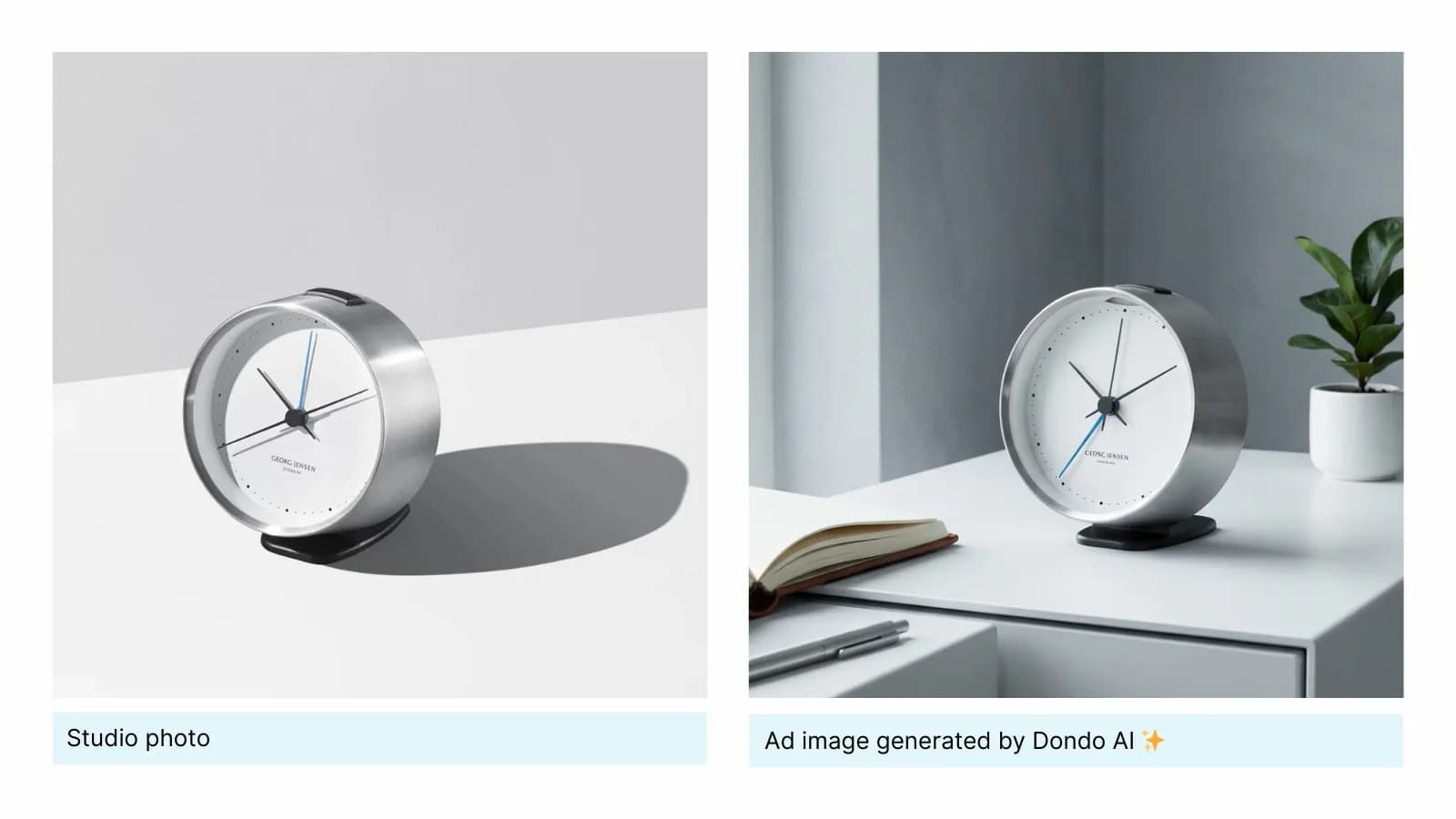
To do that, Dondo uses your store URL to perform a deep analysis of your website, social media and customer reviews, understanding:
- How your brand looks and feels:
Your colors, visual style, tone, and the overall aesthetic that represents your identity. - Who your audience is and what resonates with them:
The styles they prefer, the environments that feel familiar to them and the types of models, contexts and scenarios that match their expectations and motivations.
And delivering consistent and effective ad images for your products in just seconds 📸
Generating ad images in Dondo
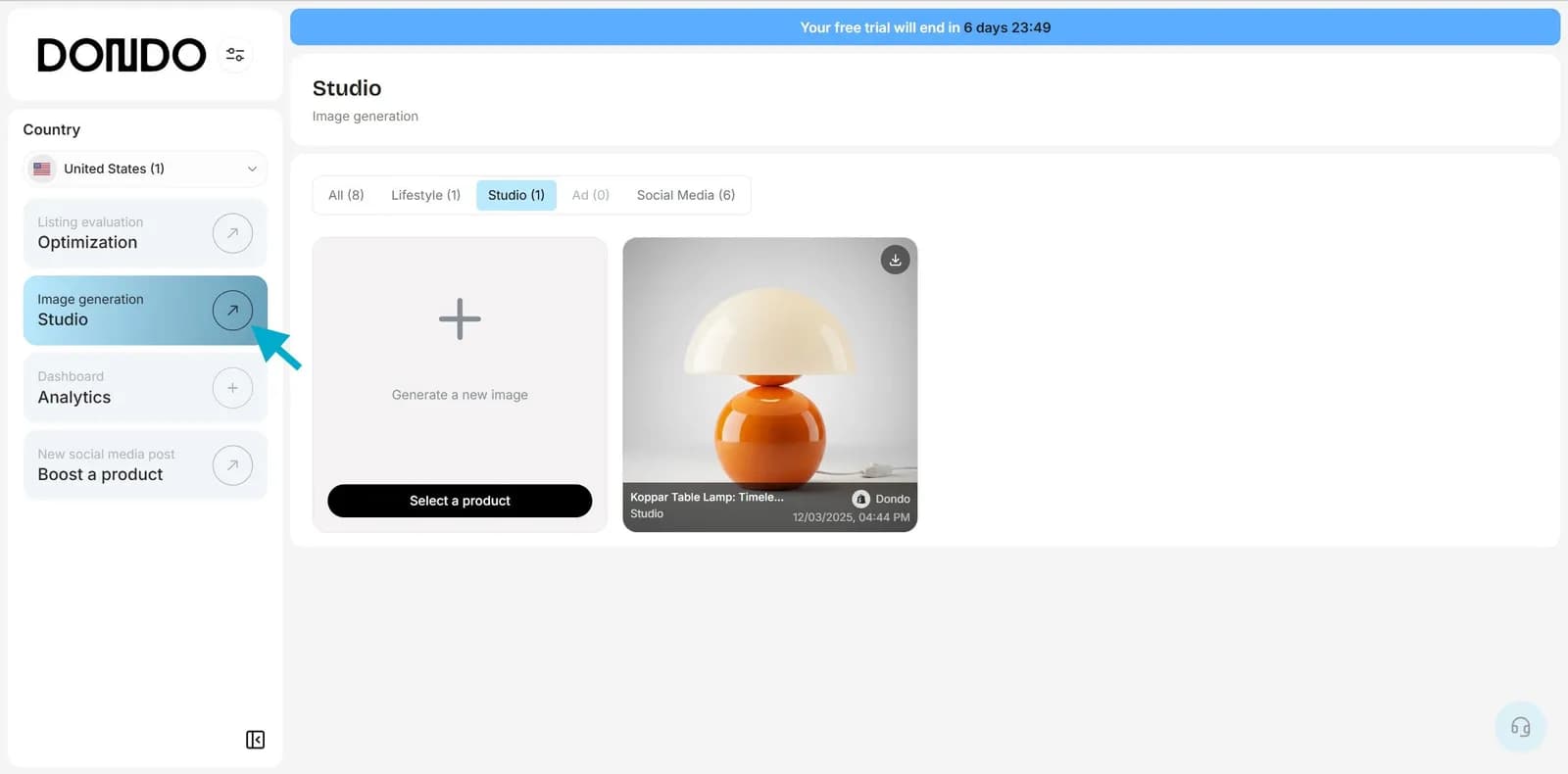
1. In your dashboard go to the Studio located in the left menu
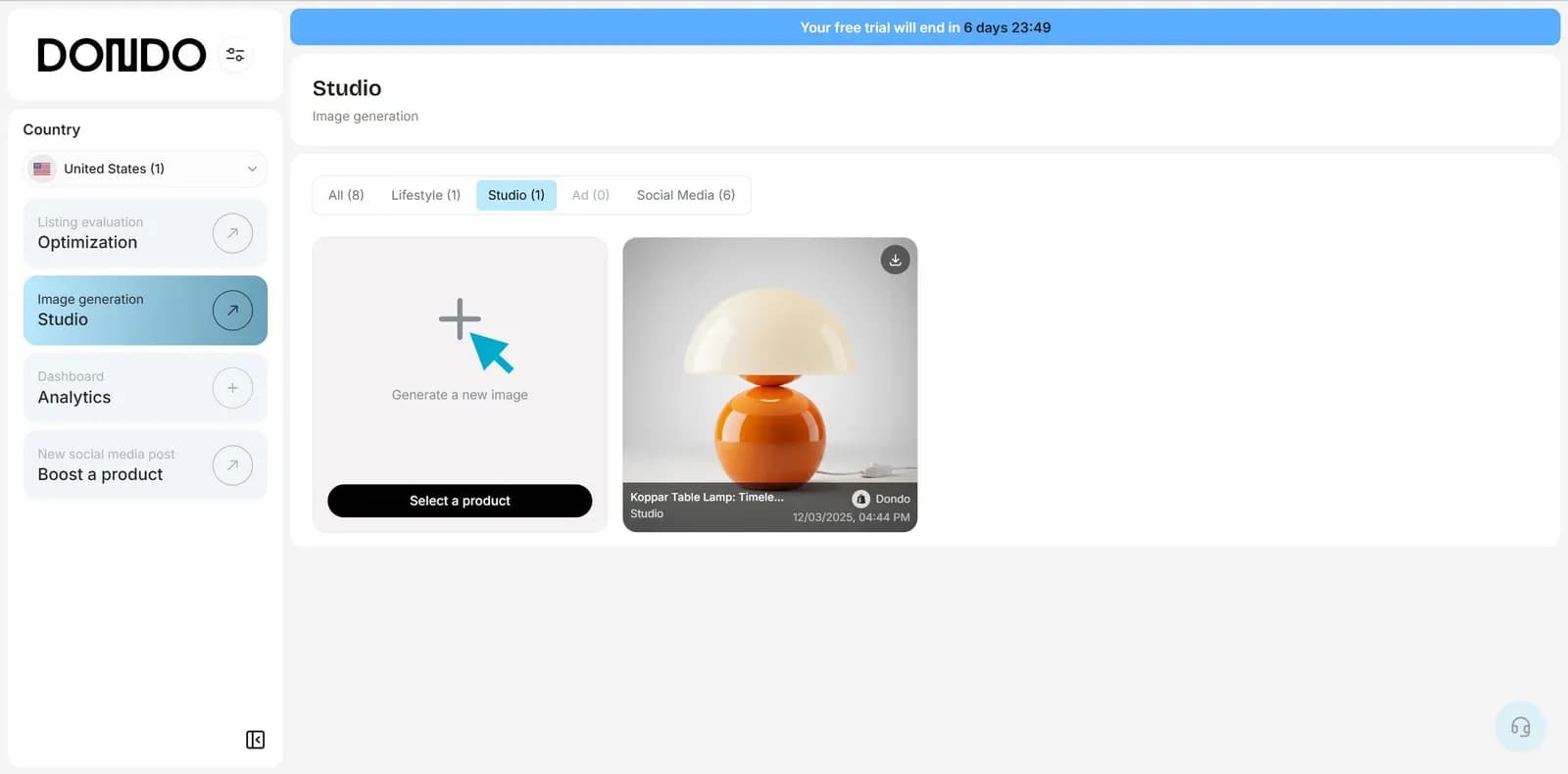
2. Click on "Generate a new image"
3. Choose the image type "Ad"

4. Select the product you want to create an ad image for, and click "Generate" to confirm

🚀 Start creating ad images that perform. Explore Expert passes and Team pricing.
The Copywriter can do this for your store.
Rewrites titles, descriptions and bullets from what shoppers search.
Score my products freeRelated Posts
 Ecommerce and Dropshipping Guide
How to adapt one product for different sales channels
Keep one verified set of product facts while adapting titles, descriptions, attributes, and images for each store or marketplace. Follow a worked example.
5 min read
 Ecommerce and Dropshipping Guide
How to choose your first products to improve with Dondo
Turn your first Analyst findings into a manageable product group. Weigh business importance, verified content gaps, stock, and facts you still need to confirm.
5 min read
 Ecommerce and Dropshipping Guide
Measure SEO changes after editing a group of product pages
Build a small product-page measurement worksheet using Search Console and store analytics. Compare a baseline, inspect query changes, and keep attribution limits clear.
6 min read
 Ecommerce and Dropshipping Guide
Product facts that answer specific AI shopping questions
Work through variant, compatibility, and use-case questions to find the product facts your catalog needs before you draft clearer copy for shoppers and AI search.
5 min read